
Passport Photo Lighting Guide: How to Get Perfect Lighting for an Approved Passport Photo
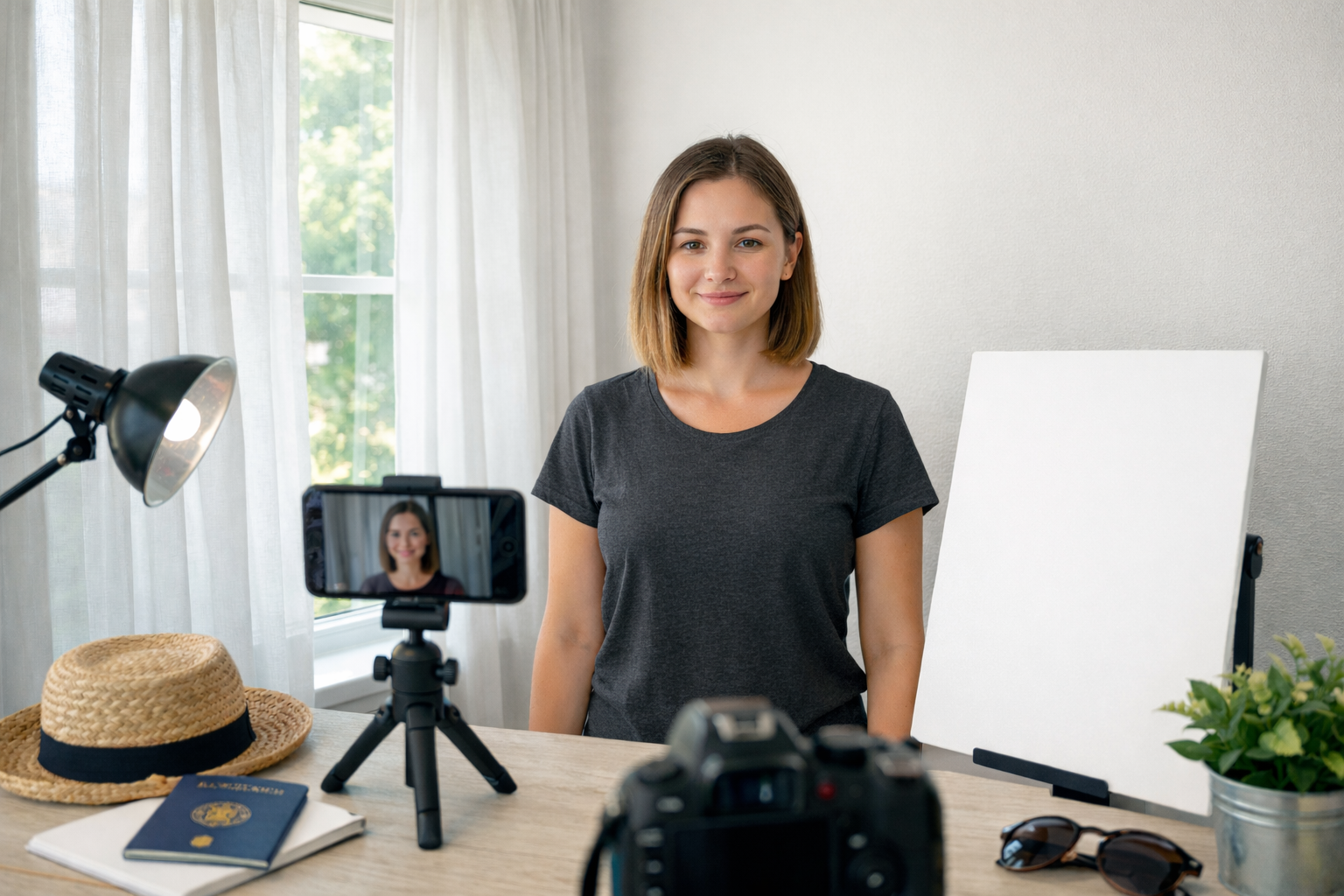
Taking your passport photo at home saves time and money, but lighting mistakes can be one of the reasons that home-taken passport photos get rejected. Dark rooms, ceiling lights, and direct flash often create shadows and color distortion which may make your photo fail official checks. With the right lighting setup, you can take a compliant passport photo at home without visiting a studio.
Why Passport Photo Lighting Matters
Lighting plays a critical role in a passport photo. Modern passport systems use facial recognition software that scans your features in detail. If your face is not evenly lit, these systems can struggle to correctly identify you.
Poor lighting often the following problems:
- Shadows across the face
- Overly bright or pale skin tones
- Shiny areas caused by flash glare.
Dark or uneven backgrounds can also reduce the clarity of your image. Even if your pose, expression, and clothing are correct, lighting issues alone can lead to an immediate rejection.
Official Passport Photo Lighting Requirements
Most passport authorities (including the U.S., UK, Canada, and EU) require:
| Requirement | Why It Matters |
|---|---|
| Even, balanced lighting | Allows facial recognition software to read your face |
| No shadows on face or background | Prevents distortion |
| Neutral white or off-white background | Keeps your face clearly visible |
| No flash glare | Avoids shiny skin or blown-out features |
| Natural skin tone | Prevents color distortion |
Best Lighting Setup for Passport Photos at Home
1. Use Natural Window Light
The best light for passport photos is soft daylight from a window. Stand facing a window between late morning and early afternoon when daylight is brightest but not harsh.
Natural window light helps your skin tone look even and realistic while reducing shadows on the face. Avoid standing in direct sunlight as it creates glare and overexposed areas.
Tip: Always position the window directly in front of your face rather than from the side to prevent uneven lighting.
2. Add Fill Light to Eliminate Shadows
If one side of your face appears darker, you may use simple reflectors to balance the light.
Place a white wall, foam board, or even a light-colored sheet opposite the window. This reflects daylight back onto your face and fills in shadows around the cheeks, eyes, and jawline, creating more evenly light.
3. Keep the Background Bright and Even
A bright, clean background is just as important as proper facial lighting. Your background should be plain white or light off-white, evenly lit, and completely free of shadows.
Avoid textured walls, folds, or visible patterns. If the wall behind you looks gray or shadowed, aim a lamp at it to brighten the area and create a clean, uniform background that meets passport photo requirements.
If achieving a perfect background at home is difficult, our online passport photo maker can automatically remove your background and replace it with a compliant white one. Our online passort photo tool helps ensure your photo meets official standards without extra setup.
4. Avoid Using Direct Flash
Direct camera flash is one of the most common reasons passport photos are rejected. Flash often creates shiny spots on the forehead, harsh shadows behind the head, and washed-out skin tones.
If flash is necessary, do not aim it directly at your face. Instead, bounce it off a nearby wall or ceiling to soften the light and maintain natural-looking skin tones.

Lighting Mistakes That Cause Passport Photo Rejection
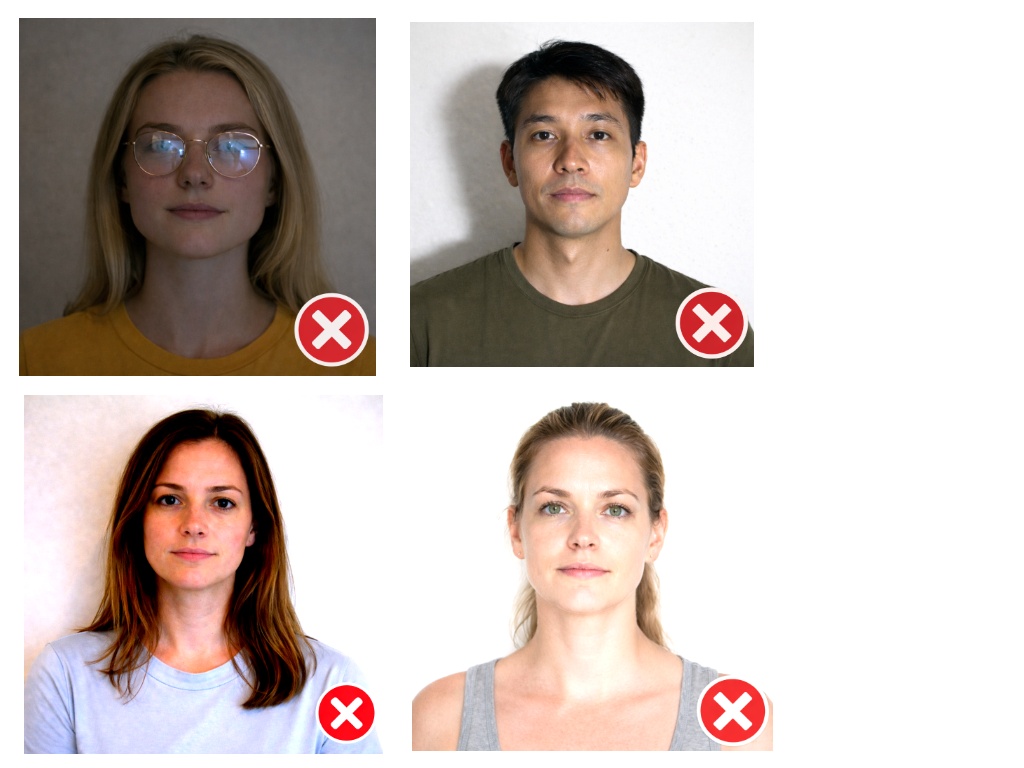
Even when your camera and expression are correct, lighting mistakes can still cause your passport photo to be rejected. These problems are especially common when photos are taken at home without proper light placement.
- Side lighting is one of the biggest issues. When light hits your face from only one direction, it creates dark shadows that interfere with facial recognition scans.
- Overhead lighting can also be a problem, often casting shadows under the eyes and chin that make facial features harder to identify.
- Using direct flash frequently leads to shiny areas on the forehead and cheeks, along with strong shadows behind the head.
- Dim room lighting can make your photo appear grainy or too dark, while colored or warm-toned bulbs may distort your natural skin tone.
Any of these issues can result in an automatic rejection, even if the photo looks acceptable at first glance.
Passport Photo Lighting Checklist (Before You Take the Photo)
Use this quick checklist to make sure your lighting meets official passport photo requirements before you press the shutter:
-
Your face is evenly lit from the front
-
No shadows appear on your face, neck, or behind your head
-
Your skin tone looks natural and not overly bright or dark
-
There is no glare on your forehead, cheeks, or glasses
-
No colored or warm-toned lighting is affecting the photo
If every box above is checked, your passport photo lighting setup meets standard approval guidelines and is far less likely to be rejected.
Final Thought
Lighting has impact on whether your passport photo is accepted or rejected. When your face is evenly lit and your background is bright and shadow-free, the rest of the passport photo requirements are easy to meet.
FAQ
How important is lighting for passport photos?
Lighting is one of the most important factors. Uneven lighting, shadows, or glare can cause your passport photo to be rejected even if everything else meets the requirements.
Can I use window light for a passport photo?
Yes. Natural window light is the best option. Stand facing a window during daylight hours and avoid direct sunlight for even and natural lighting.
Can I use flash for passport photos?
Direct flash is not recommended because it causes glare and shadows. If flash must be used, bounce it off a wall or ceiling instead of pointing it at your face.
Why do home passport photos get rejected?
Most rejections happen due to shadows, dark backgrounds, overexposed faces, or color distortion caused by poor lighting conditions.